
Websites · Local Visibility · Ongoing Care

Church Website Design That Welcomes People

Helping churches welcome people before they ever walk through the door. I bring website strategy, design, search visibility, and ongoing digital stewardship together so your ministry is easier to find, understand, and connect with.

Work directly with Chris Hill, a Christian creator and digital consultant with more than 22 years of experience. Based in Reno. Serving churches nationwide.

A church website your team can actually run.

For churches that need a clearer visitor welcome, easier ministry updates, or a redesign that connects existing tools. Your proposal names the pages, content, integrations, migration work, and handoff included in the project.

Plan the experience before the layout

What you receive: A page and navigation plan, with the writing or editing included in your scope. I review your current site, visitor questions, available analytics, and weekly publishing tasks. The plan can cover visitor information, ministries, youth and children’s programs, leadership, and events.

Your leadership owns the message. You approve beliefs, ministry policies, factual details, and photography permissions; I help present them clearly and design an experience around them.
Connect the tools you already use

What you receive: The links, embeds, or integrations named in your proposal, checked on desktop and mobile. These can connect sermons, livestreams, giving, calendars, registration, and newsletters. I review options for Planning Center, Church Center, or your existing provider before committing to an integration. Subscription costs and any archive migration are identified separately.

Choose functionality your team can support. A well-maintained events page may serve you better than a complex calendar nobody updates. Giving should lead to a clearly identified, trusted provider; sensitive payment details stay within that provider’s system.

Build for access, speed, and a careful launch

What you receive: A responsive website, the launch checks in your scope, and a handoff that identifies account access and publishing responsibilities. Development includes readable type, contrast, keyboard navigation, labeled forms, and useful image descriptions. Sermon captions and transcripts need a publishing plan, too. I use W3C accessibility guidance to inform design and testing, including reviewing third-party embeds.

For a redesign, we inventory important pages, preserve useful URLs, and map redirects where content moves. The agreed launch work can include performance checks, form delivery, analytics, Search Console, metadata, canonical URLs, a sitemap, and indexing checks. We also test the editing tasks your team will perform after handoff.

A tailored project, with clear responsibilities.

Your team provides: Accurate service times, campus and ministry details, approved beliefs and policies, photographs with permission to use them, and access to existing accounts. Name one person to consolidate feedback and confirm who approves the finished site.

Scope and investment: The price follows the pages, writing, editing system, tools, and migration involved. The proposal identifies training and handoff needs, hosting and subscriptions, and any ongoing SEO or website care separately. A redesign does not automatically include weekly sermon publishing, event updates, or continuing support.

Need only a simple information page without sermons, an editing dashboard, or integrations? The $1,500 one-page package may fit that narrower scope. A church with regular publishing or more involved ministry needs is better served by a tailored project.

Your welcome starts before Sunday.

Someone following a recommendation, finding you on Google Maps, or watching a shared sermon may be considering church for the first time—or returning after years away. Your website can help them feel prepared without asking them to commit before they are ready.

Help someone plan a visit

Answer the questions a regular attendee no longer needs to ask.

Put service times, the correct location, and directions within easy reach. Explain parking, which entrance to use, what to wear, and what a service is like. For parents, describe age groups, children’s check-in, and where to ask about accommodations.

A clear “Plan Your Visit” page can gather those answers. Make a personal introduction optional; someone should not have to submit a form to learn when and where to arrive. Try the visitor self-check with your team.

Help them understand your church

Clarity builds trust before a conversation begins.

Explain your beliefs, mission, affiliations, and leadership in language a newcomer can follow. Real photographs and accurate ministry descriptions help visitors connect what they see online with the congregation they will meet.

Keep familiar ministry names, but pair them with explanations. “Wednesday youth group for grades 6–12” answers a question that an unexplained program name cannot.

Let people experience the ministry

Serve the curious visitor and the person who cannot attend.

Make a recent sermon easy to watch. Organize messages by a useful combination of date, series, speaker, and Scripture. Explain when livestreams are available, and provide an obvious recording when the service has ended.

In Pew Research Center’s October 2024 survey, 27% of U.S. adults said they watched religious services online or on TV in the previous month. That includes television, not just websites, but it shows why remote participation deserves attention. Read Pew’s findings.

Offer a thoughtful next step

Different people need different ways to connect.

A newcomer may have a private question. A member may need a group, a volunteer opportunity, or the giving page. Provide clear routes for contact, prayer requests, events, serving, and giving without making every page compete for attention.

Set honest expectations about who receives a form and when someone will respond. Prayer forms should explain how requests are handled and avoid collecting details the team does not need.

Look at your website through a newcomer’s eyes.

Open it on a phone. Give yourself 30 seconds to find the essentials. This is a useful discussion starter, not a research benchmark or a score.

  • When should I arrive, and is this the regular or holiday schedule?
  • Where do I park and enter, especially at a shared venue or unfamiliar campus?
  • What should I expect during the service?
  • What happens with my children, and who can answer questions about their needs?
  • Where can I learn what the church believes and who leads it?
  • How can I ask someone a question without creating an account?

Ask someone unfamiliar with the church to try it, too. Note where they hesitate, misunderstand a label, or encounter conflicting information. Those observations give us a more useful starting point than choosing a new template.

Start with the missing answer. If your address is easy to find but the entrance is not, a short arrival note and an accurate photo may help more than another homepage section.

Help people find the church behind the website.

Church SEO connects useful content with a clear technical foundation and accurate local information. The goal is to help people researching a congregation or searching for a nearby church find reliable answers.

Make each location understandable

Review the church’s name, address, phone, website link, category, and map pin in Google Business Profile. For multiple campuses, give each real location useful, distinct information about its services, arrival, ministries, and contact person. Avoid duplicating a page for every nearby town.

On the website, distinguish worship times from office availability. Google’s Business Profile guidelines treat varied activity schedules, including worship services, differently from ordinary business hours; profile settings need that context.

Give search engines clear, useful content

Use descriptive page titles and headings, crawlable internal links, current event details, and structured data that reflects the actual church and visible page content. Resolve technical barriers and keep important pages accessible on phones. Genuine reviews can add community context; avoid incentives or scripted praise.

AI-powered search builds on these same foundations. Google’s guidance for AI features does not require special AI markup. I focus on clear information and established SEO practices, with no promise of indexing, rankings, or AI citations.

For more detail on the underlying approach, see my local SEO process. The examples are Reno-based; the principles apply to a church’s own community.

Eligible churches may also explore Google Ad Grants. Eligibility, website requirements, and ongoing program compliance need separate review. Grant application and campaign management are not included in the website service described here.

Your website needs care after launch.

Explore website care, hosting coordination, and ongoing support →

After-launch work is scoped separately from the website build. Choose the maintenance, content help, or ongoing SEO your team needs, with included tasks, fees, and response arrangements defined before support begins.

Website care

Platform updates, backups, security and availability monitoring, performance checks, and content assistance, as appropriate to your system.

Agree on support responsibilities and response expectations so staff know where to turn when something breaks.

Search visibility

Review Search Console, local information, technical issues, and opportunities to answer real community questions.

Check location and seasonal information when services change, and use search evidence to guide useful content improvements.

Continuous improvement

Review visitor paths, accessibility, form usability, and questions reaching your office. Refine what causes confusion.

Measure meaningful actions without treating prayer requests or pastoral conversations as marketing data.

Give recurring content a clear owner. Decide who posts the weekly sermon, removes expired events, checks group contacts, and confirms holiday service times. Keep a second person trained for absences. A short publishing routine is more sustainable than relying on someone to notice stale information.

Analytics can help identify whether people find directions, open visitor information, or complete a connection form. These signals help improve the website; they do not measure someone’s faith or prove that a visit became attendance. Avoid sending prayer text or other sensitive form content to analytics tools.

Professional experience. A personal connection to the mission.

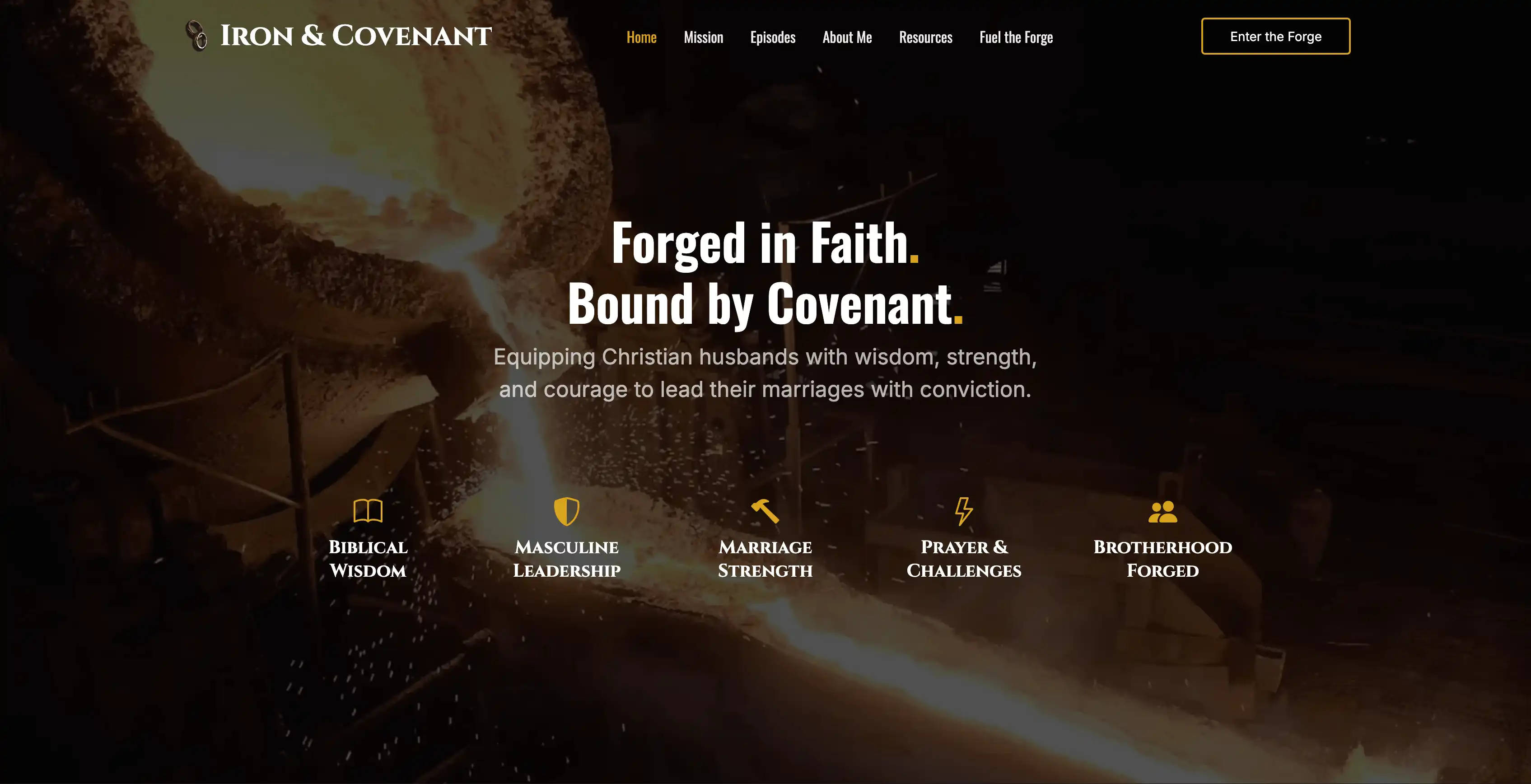
I’m a Christian husband, father of three, and the creator of Iron & Covenant. Faith, responsibility, and service are part of my life and the work I choose to build.

Iron & Covenant, Chris Hill’s Christian content platform for men

Faith-centered communication, built firsthand

Through Iron & Covenant, I create and host content about faith, marriage, fatherhood, and biblical responsibility. I develop its strategy, identity, messaging, website, and ongoing content. That work asks me to communicate Christian ideas with conviction and care for people at different stages of faith.

It is my own platform, not a church client project. It sits alongside more than 22 years in digital strategy, UX, design, SEO, and technical implementation, including long-term ownership of the PC-Doctor corporate website.

A church website serves a different mission from a commercial site. My role is to listen, help your leadership communicate clearly, and make it easier for people to understand your church and take a first step.

Explore the Iron & Covenant project

More about my background and working style

A few decisions make the first conversation more useful.

You do not need a finished brief. Bring what you know and the questions your team has not resolved.

  • People: Who needs the most help today—newcomers, families, current members, or people joining remotely?
  • Content: What changes weekly, where do sermons live, and who approves updates?
  • Systems: Which tools handle giving, events, groups, and newsletters? Who controls the domain and hosting?
  • Continuity: Which existing pages receive search visits, shared links, or registrations that must keep working?
  • Priorities: What must be ready for launch, who makes decisions, and what can wait?

My website planning checklist was written for small businesses, but its questions about access, content, ownership, and launch responsibilities also help church teams prepare. Use the parts that apply to your ministry.

Questions about your church website

Practical answers before you commit to a new website or a redesign.

Start with a conversation

Let’s make your church’s online welcome more useful.

Tell me about your church, your current website, and what your team needs help with. Your initial consultation is free and focused on finding a manageable next step.