
7 Signs Your Website Is Costing You Customers
Seven research-backed signs that your website may be limiting visibility, trust, leads, and growth—and how to decide what to improve.
A website does not have to look broken to hold a business back. In many cases, it continues loading, displaying information, and accepting contact submissions while quietly making it harder for the right customers to find, trust, and choose the business behind it.
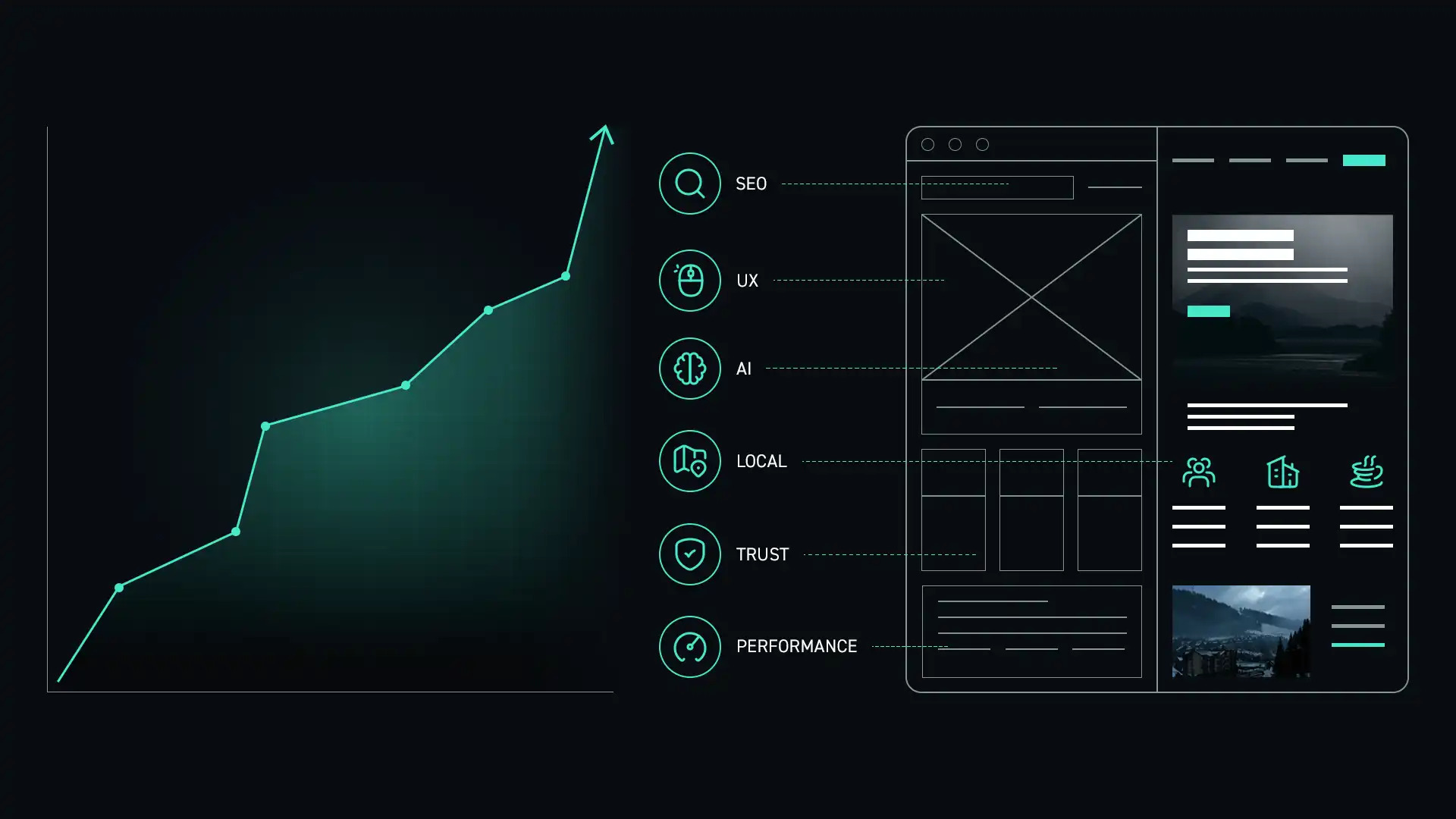
The challenge is that website problems are not always obvious. A dated design may be easy to recognize, but weak positioning, unclear navigation, poor local search visibility, missing trust signals, and ineffective conversion paths can cost a business opportunities without producing an obvious error message.
Current research helps show how often these points of friction appear across the web, but statistics alone cannot diagnose an individual website. Throughout this article, I use independent studies as context and connect them to the questions I examine during a strategic website audit.
What an underperforming website can really cost
A website should do more than confirm that your business exists. It should help potential customers understand what you do, determine whether you are credible, find the information they need, and take a clear next step.
When that process breaks down, the cost may appear as lower search visibility, fewer qualified inquiries, more price-sensitive leads, weaker trust, or customers choosing a competitor whose website communicates more clearly.
The most expensive website is not always the one that costs the most to build. It may be the one that quietly loses opportunities every month.
Signs your website may be holding your business back
1. Visitors cannot quickly understand what you do
A visitor should be able to understand your primary service, who you help, where you work, and why your business is different within a few seconds. Clever language cannot replace clarity.
2. Your business is difficult to find in search
Strong search visibility depends on more than adding keywords. Your site needs clear information architecture, useful content, crawlable links, descriptive page titles, technical health, structured data, and consistent business information.
3. The site does not build enough trust
Prospective customers look for signs that your business is established, capable, and credible. Experience, testimonials, project examples, service details, process information, professional photography, and clear contact information all help reduce uncertainty.
That trust decision often continues after a customer has already encountered the business somewhere else. In its 2026 Local Consumer Review Survey, BrightLocal found that 54% of respondents visited a business’s website after reading positive reviews, while 66% continued researching rather than immediately purchasing or booking. The representative survey included 1,002 U.S. adults.
The practical implication is important: a positive review may earn the visit, but the website still has to confirm the service, demonstrate credibility, and make the next step feel safe. Reviews and a website are not separate trust signals. Customers use them together.
4. The mobile experience creates friction
A responsive layout is only the beginning. Mobile visitors also need readable text, accessible navigation, appropriately sized controls, fast-loading media, and forms that are easy to complete.
The HTTP Archive’s 2025 Web Almanac found that 48% of mobile websites delivered good Core Web Vitals, compared with 56% on desktop. Those figures do not prove that a particular delay caused a lost lead, but they do show that a consistently fast, responsive mobile experience is still far from universal.
Mobile usability also includes accessibility. WebAIM’s 2026 analysis of one million homepages detected likely WCAG failures on 95.9% of the pages tested, with an average of 56.1 detectable accessibility errors per page. Automated testing cannot identify every accessibility barrier or certify full conformance, but the scale of the findings is a strong reminder that readable text, contrast, labels, keyboard access, headings, and usable controls cannot be treated as finishing touches.
5. The next step is unclear
Every important page should guide the visitor toward a logical next action. That may be requesting a quote, calling the business, reviewing a service, reading a case study, or scheduling a consultation.
One of the first things I review during a website audit is whether each page answers three questions: what can I do here, what happens next, and why should I feel confident taking that step? A call to action is not simply a button. It is the conclusion of the page’s argument.
6. Your content no longer reflects the business
Businesses evolve. Services change, audiences become more specific, geographic reach expands, and competitive advantages become clearer. A website that has not evolved with the business may present an outdated or incomplete picture.
7. Search and AI systems lack clear context
Search engines and AI-powered discovery systems need clear information about your business, services, expertise, location, and relationships between pages. Helpful content, schema markup, strong authorship signals, internal linking, and consistent entity information make that understanding easier.
Search behavior is also changing before a visitor reaches a website. A 2025 Pew Research Center analysis examined 68,879 Google searches generated by 900 U.S. adults. When an AI summary appeared, users clicked a traditional search result during 8% of visits, compared with 15% when no AI summary appeared. A source linked inside the AI summary received a click during only 1% of visits containing a summary.
That does not mean every business should chase AI citations or abandon traditional SEO. It means more of the customer’s evaluation may happen inside the search experience itself. Clear service information, consistent business facts, useful answers, recognized expertise, and technically accessible content matter before and after the click.
Does the website need a redesign or targeted improvements?
Not every underperforming website needs to be replaced. If the platform, structure, and technical foundation are sound, focused improvements to messaging, content, search optimization, calls to action, or performance may create meaningful gains.
A complete redesign becomes more appropriate when the current website limits usability, search visibility, content expansion, brand credibility, integrations, performance, or ongoing maintenance.
The right decision should come from an audit of the current website, not an assumption that every problem requires a complete rebuild.
If you are considering a website redesign in Northern Nevada, explore my Reno web design and redesign process →
What a strategic website audit should review
Before recommending a redesign, I evaluate the areas that most directly affect visibility, trust, usability, and conversion:
- Business goals, audience, positioning, and competitive context
- Messaging clarity and content quality
- Information architecture and navigation
- Mobile usability and accessibility
- Technical SEO and local search foundations
- Page performance and Core Web Vitals
- Structured data and AI search readiness
- Trust signals, forms, calls to action, and conversion paths
- Analytics, tracking, hosting, security, and maintainability
Research sources and context
The studies referenced here provide useful benchmarks, not promises about what a particular redesign or optimization will produce. I selected sources that publish their methodology and that directly relate to customer research, performance, accessibility, or changing search behavior.
- BrightLocal, Local Consumer Review Survey 2026: a representative SurveyMonkey panel of 1,002 U.S. adults examining how reviews influence local-business trust, research, and purchase behavior.
- HTTP Archive, 2025 Web Almanac: Performance: an annual analysis of real-world web performance and Core Web Vitals data.
- WebAIM Million 2026: automated WAVE testing of the rendered homepages for one million prominent sites, measuring detectable accessibility barriers and likely WCAG failures.
- Pew Research Center, Google AI-summary click behavior: observed browsing data from 900 U.S. adults covering 68,879 Google searches in March 2025.
The bottom line
Your website may be costing you customers when it makes your business difficult to find, difficult to understand, difficult to trust, or difficult to contact. Those problems are not always solved by a more attractive design alone.
The best next step is to identify where the current experience is breaking down, determine which improvements would create the most value, and build a strategy around the needs of the business and its customers.
Related insights
Continue exploring practical guidance on websites, SEO, local search, AI visibility, and digital growth.
Why Your Reno Business Is Not Showing Up on Google
Common reasons local businesses struggle to appear in organic search and Google Maps.
Publishing soonWhat AI Search Means for Local Businesses
How AI-powered answers are changing discovery and what businesses can do to become easier to understand and recommend.
Publishing soonHow I Audit a Website Before Touching the Design
Why strong redesigns begin with business goals, content, technical health, search visibility, and user behavior.
Publishing soonFor a quick look at technical basics, try the free website SEO check. It checks common SEO issues and mobile performance; it does not assess every business or usability concern covered here.
Is your website working as hard as it should?
Let’s identify what may be limiting visibility, trust, or growth.
Tell me what is getting in the way. I can scope a paid website audit or improvement project, with clear deliverables and a fee agreed before work begins.