
Small-Business Website Planning Checklist
What to prepare before building or redesigning your website.
A clearer brief leads to a more useful proposal. Before choosing a design or comparing prices, get the business decisions, content, and responsibilities in one place.
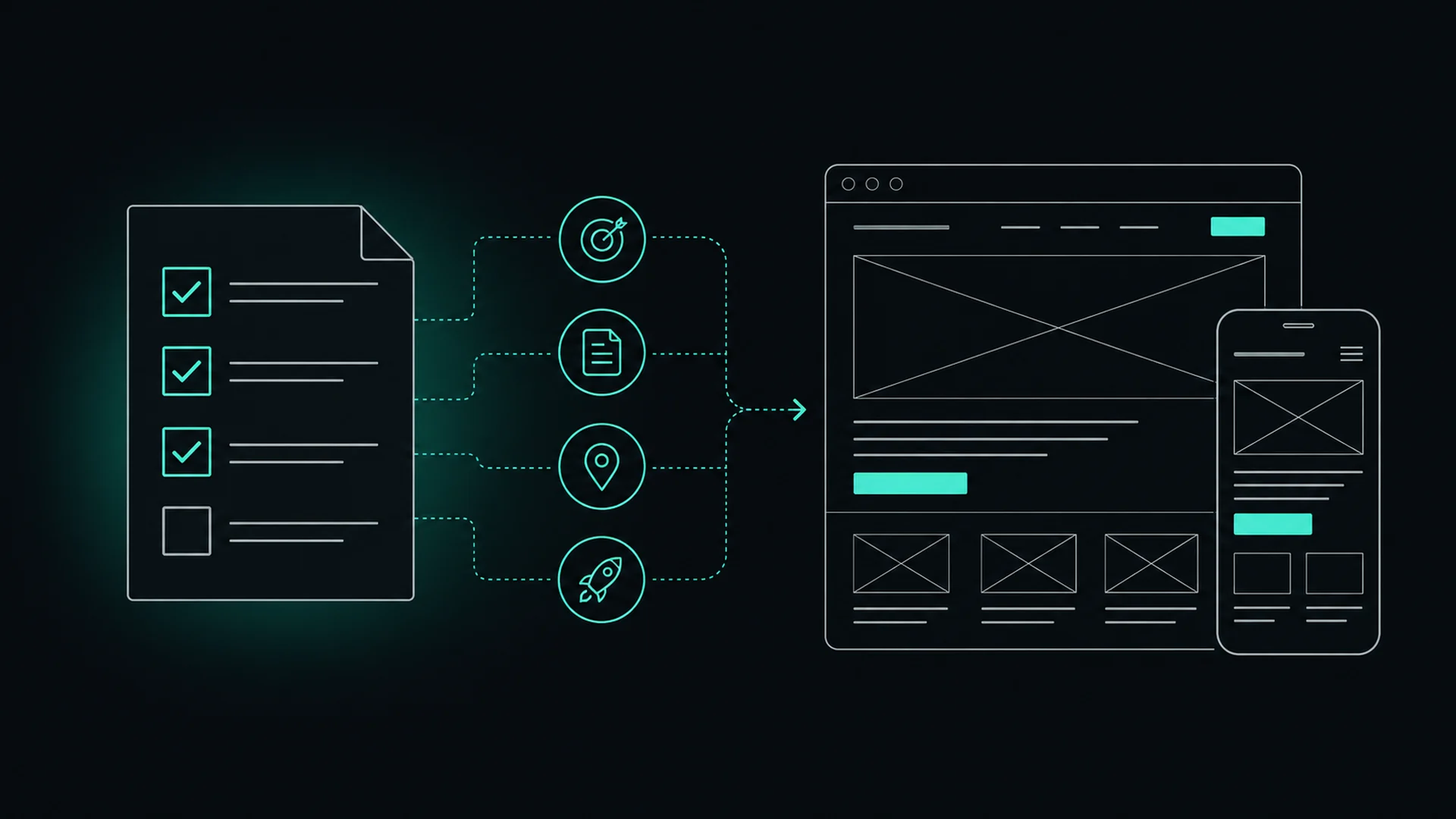
I created this checklist for small-business owners in Reno, Northern Nevada, and beyond. The planning steps apply wherever you do business, with local examples to help you think through your own service area.
Use this checklist before meeting with any web designer or agency. Work through it with a business partner or your team, check each item when it is addressed, and keep a separate list of unanswered questions. Mark items that do not apply in your notes. You do not need every answer before the first conversation.
Prefer paper? Use your browser’s Print command for a meeting worksheet. Bring your current website address, any proposal you are considering, and the questions you still need to resolve.
1. Business goals
-
Write down what should improve: qualified inquiries, appointment bookings, product sales, or time saved answering repeat questions. Choose a primary outcome so design decisions have a clear purpose.
-
Identify the trigger: a new business, a change in services, an outdated site, or a frustrating customer experience. Separate known problems from assumptions you want the designer to investigate.
-
List essentials for launch separately from later improvements. A focused first release is easier to scope than a project where every idea becomes a requirement.
Not sure whether replacement is necessary? Start with 7 signs your website may be costing you customers to identify the problems you want to solve.
2. Customers & conversion
-
Identify who buys, what they need, and what makes them a good fit. A homeowner seeking an urgent repair needs different information from a business comparing long-term service providers.
-
Bring questions from calls, emails, and sales conversations. Include concerns about pricing, availability, process, and trust. These are useful starting points for page content and FAQs.
-
Decide whether visitors should call, request a quote, book, buy, or learn more. Explain what happens afterward and who will respond; avoid promising a response time your team cannot meet.
3. Pages & services
-
Start with home, services, about, and contact. Add projects, testimonials, FAQs, or resources when they answer a real question. Give each page a purpose before discussing its layout.
-
Prepare who it is for, what is included, important limitations, the process, and common questions. Distinct services may deserve separate pages when there is enough useful information to support them.
-
Identify useful pricing guidance, service requirements, turnaround expectations, and evidence of experience. Mark anything that needs confirmation rather than letting the project depend on unfinished claims.
This is also where my web design and redesign process starts: clarifying the audience, page structure, and next steps before developing the visual design.
4. Content, photography & testimonials
-
Collect logo files, brand guidance, and original photos of your team, location, products, or work. Confirm usage rights and identify missing images before choosing stock photography.
-
Gather accurate project examples and testimonials you have permission to use. Record the source and approved attribution. Do not invent results or imply that a previous employer’s clients were your own.
-
Decide who drafts, edits, and signs off on each page. Set delivery dates for copy and images; “the designer handles content” is too vague unless the proposal defines exactly what that includes.
-
Use a folder or document with final copy, approved images, contact details, and outstanding questions. Label the current version so your designer does not have to guess which materials to use.
5. Domain, hosting & account ownership
-
Identify the registrar, renewal date, billing contact, and recovery email. The business should retain control of its domain even if someone else manages it. Avoid depending on a former employee’s personal account.
-
Record who hosts the site, who runs business email, and who manages the settings that connect them. Website changes can affect email if those settings are changed without a plan.
-
Confirm website administrator access, hosting access, and access to search and analytics tools. Invite named users with appropriate permissions where possible; do not put passwords in this checklist or email them around.
-
Clarify who owns the design, content, code, and purchased assets, and which licenses must renew. Ask what files, access, documentation, and training you receive if you change providers.
6. Local SEO & service areas
-
Confirm your public business name, phone, hours, website address, and customer-facing location where applicable. Use consistent facts on the website and profiles so customers are not left comparing conflicting details.
-
Do customers visit you, do you travel to them, or do you work remotely? List real coverage, travel limits, and any seasonal restrictions. Separate current service areas from places where you hope to expand.
-
Consider Reno, Sparks, Carson City, Spanish Springs, South Reno, Verdi, Fernley, Incline Village, and other Lake Tahoe communities only where relevant. A Reno office does not automatically mean you serve every community equally.
-
Confirm eligibility and whether your business is customer-facing, service-area, or hybrid. A service-area business that does not receive customers at its address should hide that address on its profile. Do not use a virtual office to imply a staffed location.
-
A separate page should offer meaningful local information, such as a real branch, different services, travel conditions, or relevant project examples. Avoid duplicating a page with only the town name changed.
Check Google’s business representation guidelines for profile requirements. For how those details fit into a website, see local SEO for Reno businesses.
7. Website functionality
-
List required fields for contact and quote requests, where submissions go, and who follows up. Collect only what you need; plan spam protection, helpful error messages, and a clear confirmation after submission.
-
Document appointment rules, availability, cancellations, and any deposits. Identify the booking, payment, email, or customer-management tools already in use, their recurring costs, and who owns each account.
-
Test a realistic inquiry or booking from start to finish, including mobile use, confirmation messages, and delivery to the right person. Define a fallback contact method if an integration is unavailable.
8. Mobile usability & accessibility
-
Check service details, directions, calling, forms, and booking on a small screen. Text and controls should remain usable without pinching or horizontal scrolling; keep large images from slowing the experience.
-
Ask for keyboard operation, visible focus, labeled forms, readable contrast, meaningful headings, and appropriate image descriptions. Agree on the accessibility standard and review process; an automated score alone does not establish accessibility.
-
Work through navigation and forms using a keyboard, increased text size, and a screen reader where possible. Confirm that errors explain how to recover and that controls are understandable without relying on color alone.
The W3C accessibility development tips explain practical starting points to discuss with your designer.
9. Existing website migration & redirects
-
For a redesign, list existing URLs, useful content, downloadable files, and pages receiving traffic, inquiries, or outside links. For a first website, mark these migration items not applicable in your meeting notes.
-
Keep useful URLs where practical. When a page moves, plan a permanent redirect to its closest relevant replacement. Do not send every old address to the homepage; decide how genuinely retired content will be handled.
-
Confirm titles, descriptions, internal links, canonical URLs, and the sitemap. Protect the test site from indexing, then verify the production site is crawlable and has no accidental noindex setting. Test redirects and forms after launch.
-
Keep a recoverable copy of the old site and agree who can roll back if needed. Review broken pages, search indexing, and inquiries after launch. Search visibility can fluctuate during a migration; a redesign is not a ranking guarantee.
If URLs will change, share Google’s site-move guidance with the person handling migration.
10. Budget, timeline & responsibilities
-
Separate discovery, design, development, copy, photography, and migration from ongoing hosting, software, and support. Ask what is excluded, what can change the price, and how additional work is approved.
-
Include content delivery, feedback, integration setup, testing, and launch approval. Work backward from a meaningful deadline, allowing time for delays rather than treating the first design review as the finish line.
-
Identify the final approver, feedback deadlines, included revision rounds, and what counts as finished. Record who checks content, forms, mobile behavior, redirects, and account handoff before final approval.
For a custom redesign, compare website redesign costs and scope before evaluating proposals.
Planning a straightforward site for a Reno or Sparks service business? Compare your requirements with my $1,500 one-page website package. It includes one marketing page and a supporting Privacy Policy page, with the inclusions and exclusions listed upfront.
11. Measurement, maintenance & support
-
Choose useful outcomes such as qualified inquiries, completed bookings, or sales. Record a baseline if you have one. A new site can begin with an initial observation period instead of inventing targets from missing data.
-
Decide who configures and checks analytics and Search Console, and who reviews results with you. Distinguish button clicks from completed inquiries. Agree on appropriate privacy disclosures and consent handling for the tools chosen.
-
Clarify updates, backups, restore testing, security monitoring, uptime response, and content changes. Ask what support covers, how to request help, expected response times, and what happens if you cancel.
-
Set an initial review date to assess customer feedback, form delivery, search visibility, and useful outcomes. Use what you learn to prioritize improvements; publishing the site is the start of its working life.
For a focused investigation and prioritized recommendations, explore website audits and improvements. For routine updates and technical upkeep, see website care and ongoing support.
12. Questions to ask before hiring a web designer
-
“How will you learn about my customers, services, and current website before proposing the structure?” Look for a process that connects the work to business needs, not just a choice of visual templates.
-
“Who handles copy, photography, SEO, accessibility, development, and testing—and what will you need from me?” Confirm responsibilities and deliverables in the written proposal.
-
“Who maps redirects, preserves useful content, tests forms, and checks indexing after launch?” For a new site, ask who verifies the same launch essentials without the migration work.
-
“What will I pay upfront and over the first year? What do I own? Can I move the site and retain my domain?” Clarify licensing, platform restrictions, payment milestones, and cancellation terms.
-
“What does success look like, what will we review, and who helps after launch?” Request relevant examples and an explanation of the provider’s role. Be cautious about guaranteed rankings or guaranteed AI recommendations.
When reviewing project examples, ask what the designer actually owned. My PC-Doctor Service Center case study explains my design, content, ecommerce, and technical responsibilities during my prior employment.
Bring these decisions to your meeting
Summarize your main goal, must-have pages and functions, available budget, target timing, and who will approve the work. Leave room for the designer to challenge assumptions and explain tradeoffs.
Open questions & next steps
Keep your notes alongside the checklist. On paper, use the space below for questions, decisions, and who will follow up.
Prepared by Chris Hill Consulting · chrishillconsulting.com
chris@chrishillconsulting.com
Put your planning into practice
Want help turning your checklist into a clear website plan?
Bring your goals, questions, and current website if you have one. I can help clarify the scope and next steps for a new site or a thoughtful redesign.